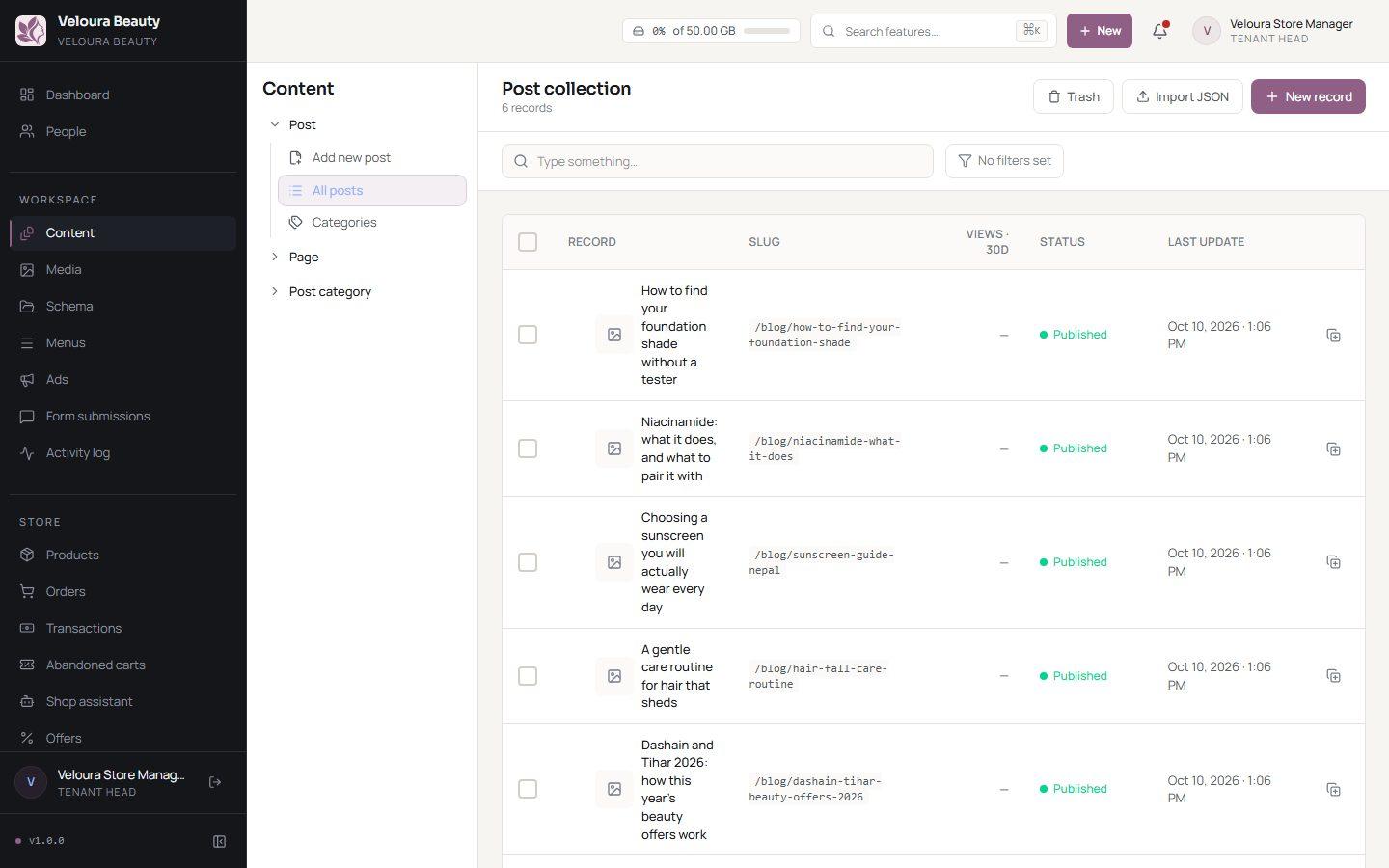
In production
Content management system
Next CMS
The CMS behind every site here — so your project starts at 80%, not zero.
Request a demo →Feature · Block page builder
Every page on sites built with Next CMS is a stack of blocks: a banner, a product rail, a gallery, an FAQ, a call to action. Your team adds, reorders and fills them from the dashboard. The design stays consistent because each block is designed once and reused — you cannot accidentally make a page ugly.
Any page, post, product or package.
Pick from 40+ blocks made for your kind of business.
Text, photos, which products to show.
The page goes live, fast and indexed.
The CMS behind every site here — so your project starts at 80%, not zero.
Request a demo →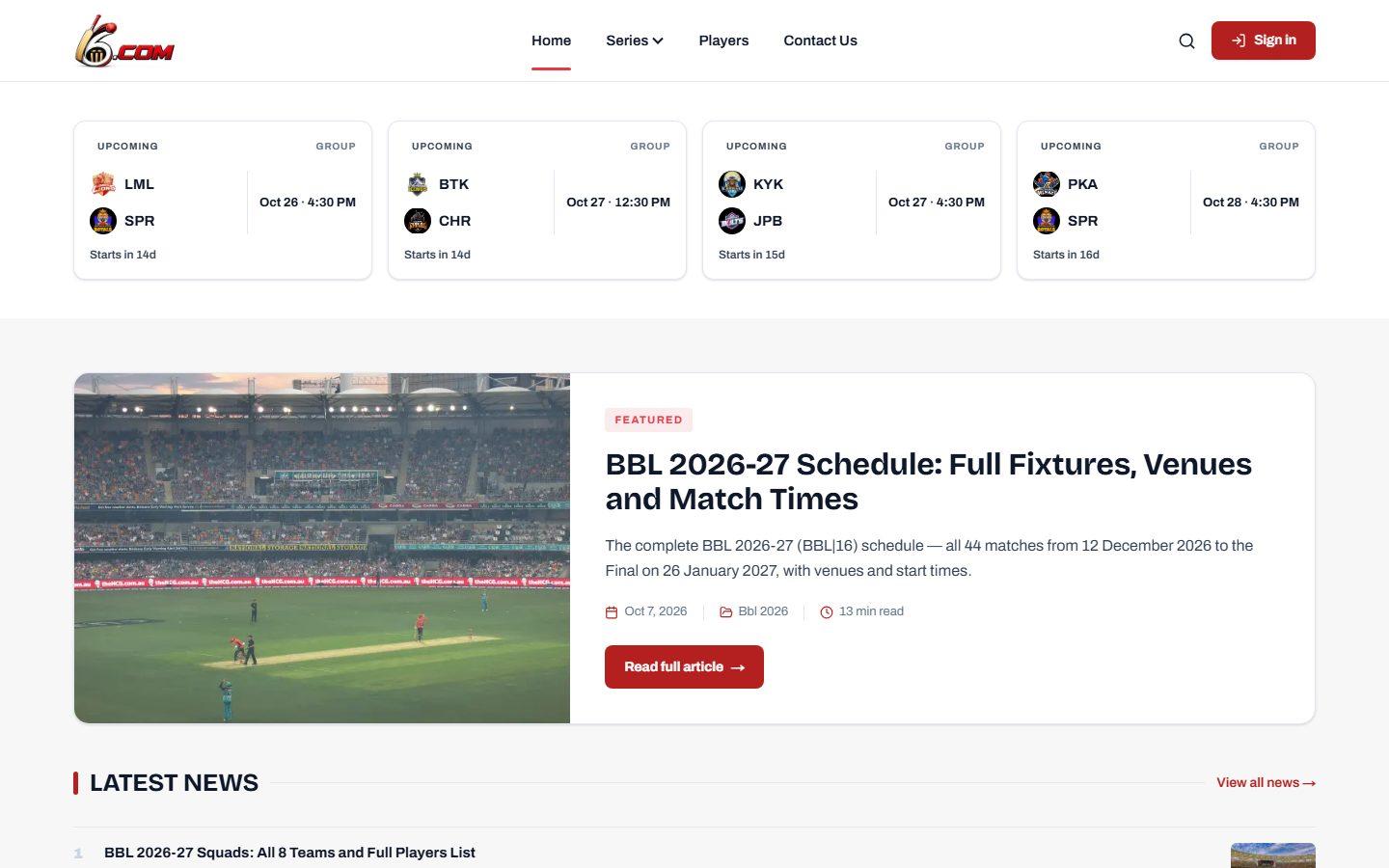
Chhaka.com: live cricket scores, stats and news, built and run end to end.
Request a demo →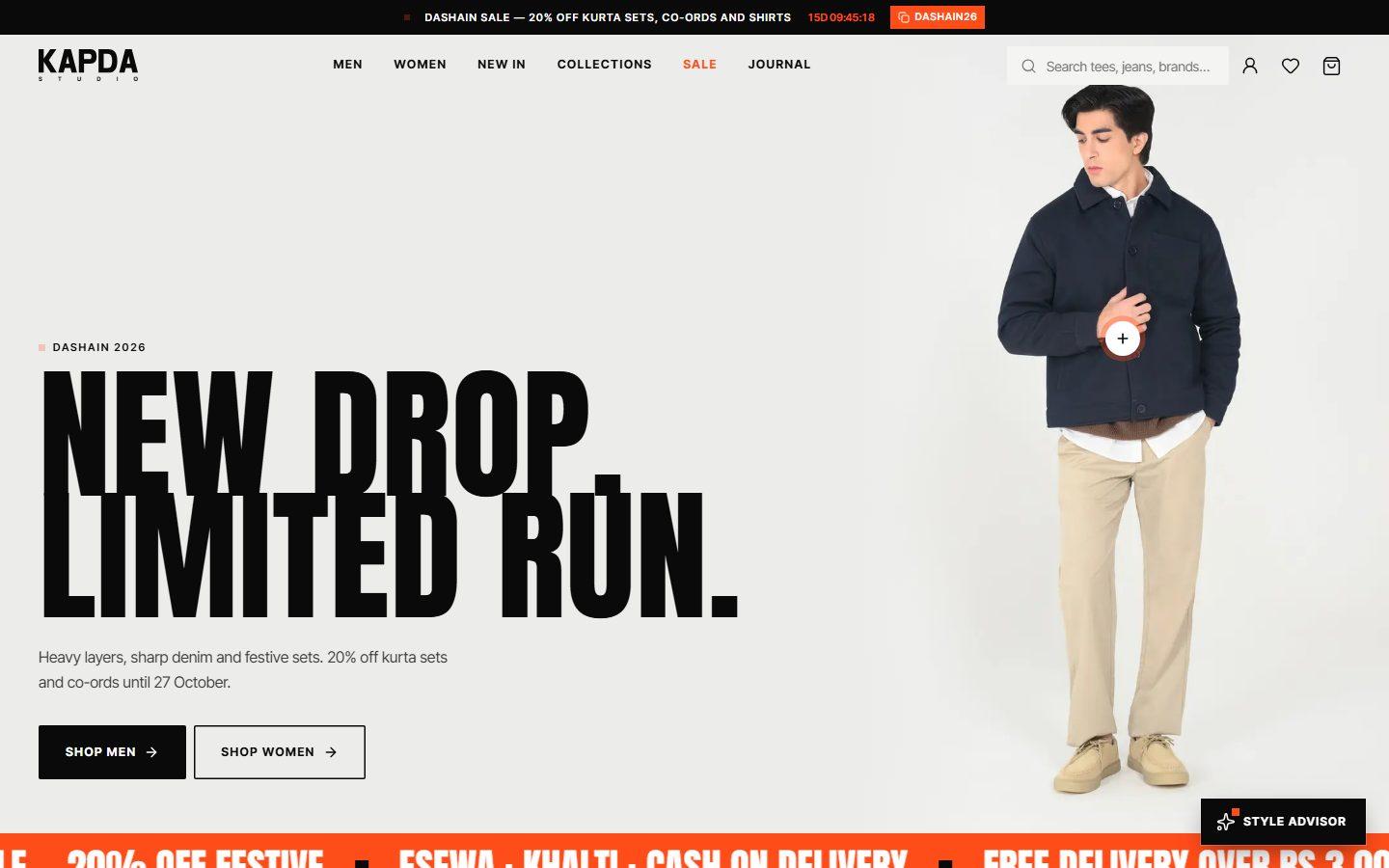
A streetwear store where every colour and size is its own product, done right.
Request a demo →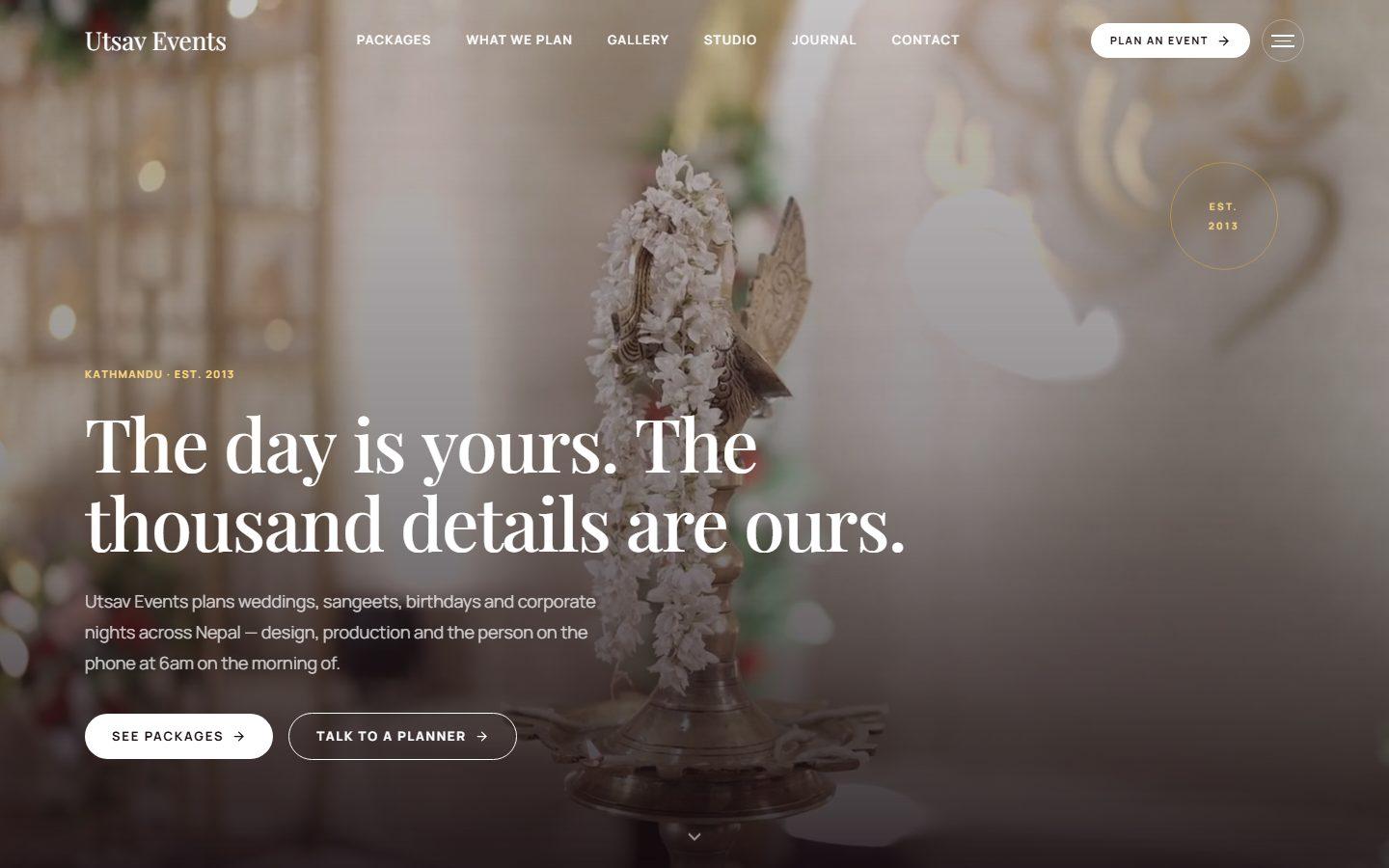
A wedding and event planner's website that turns visitors into booked dates.
Request a demo →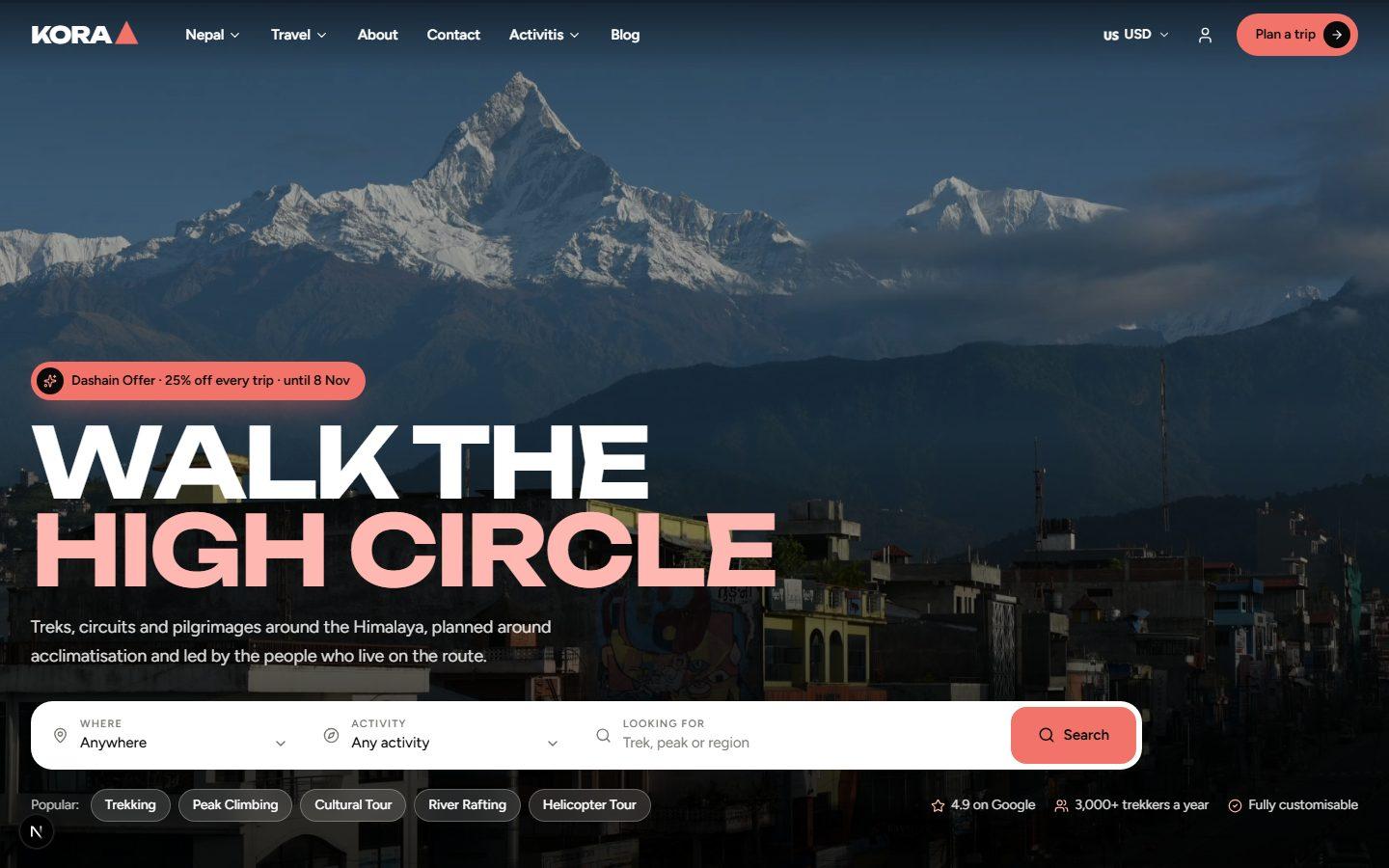
A trekking and tour website with big photos and itineraries that sell the trip.
Request a demo →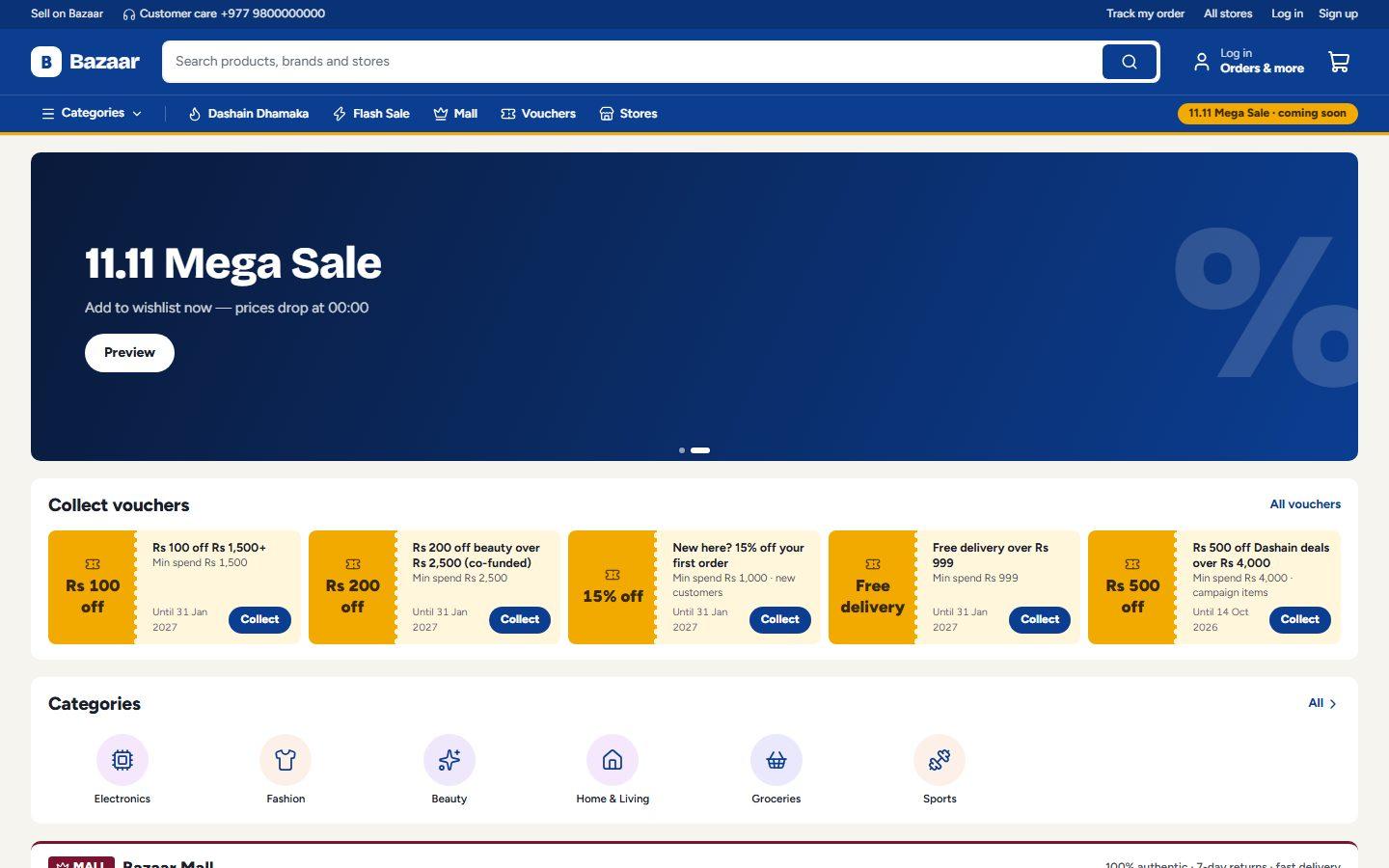
Your own marketplace like Daraz, where many shops sell under one roof.
Request a demo →A CMS is the part of your website you actually touch. Here is what it does and how to pick one.
Similar idea, lighter result. Blocks are designed for your site, not generic, so pages stay fast.
A 20-minute call: I share my screen, walk you through the product that fits your business, and answer every question. No slides, no pressure.