Guide · 7 min read · · by Arjun Jhukal
What is a CMS, and does your business website need one?
A CMS is the part of your website you actually touch. Here is what it does and how to pick one.
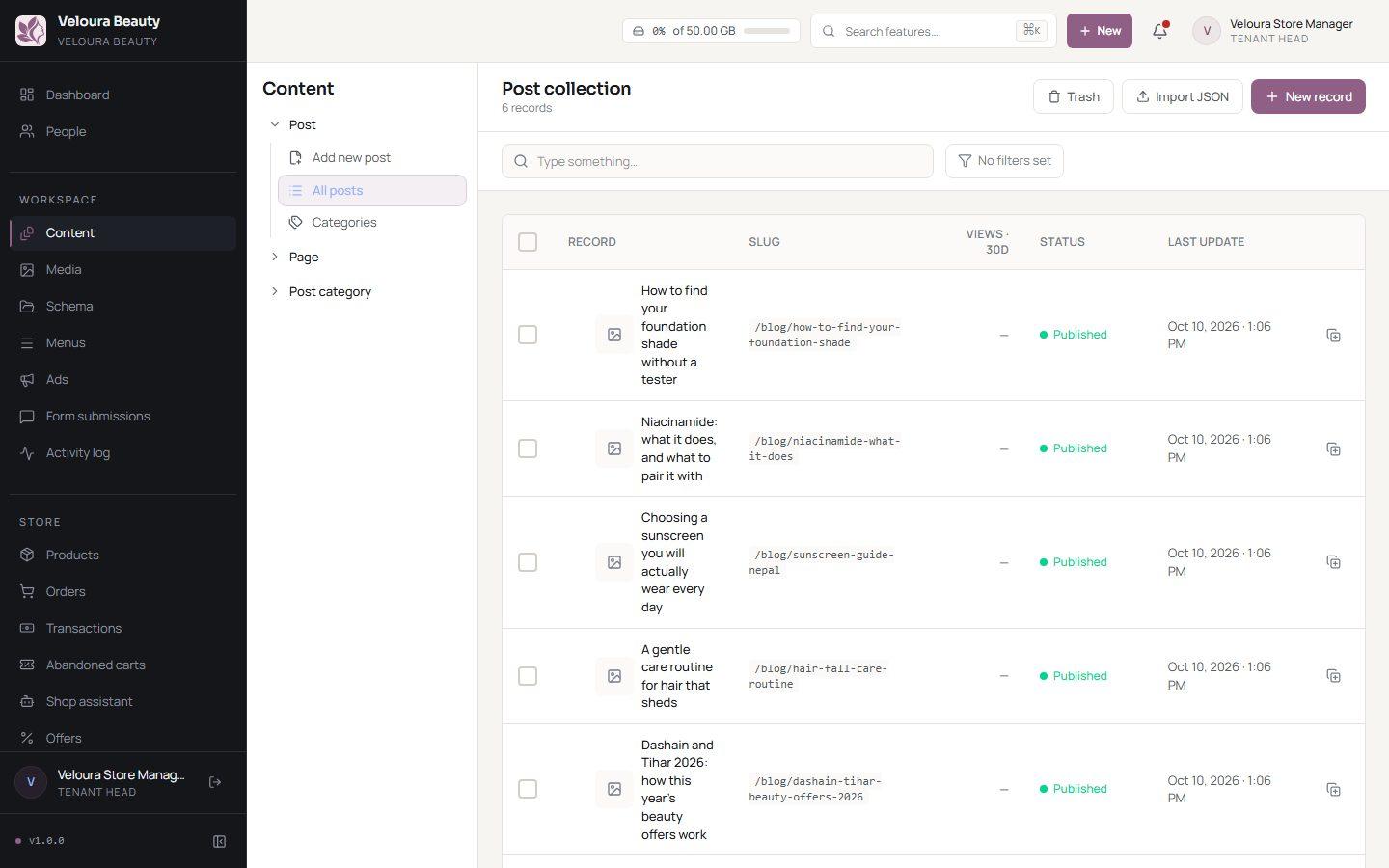
A CMS — content management system — is the back office of your website. It is where you type a new blog post, change a price, swap a photo or add a page. Visitors never see it. You and your staff use it every day.
Without one, every change means calling a developer. Want to update the Dashain offer? Call. Add a new trek for spring? Call. Fix a typo in the phone number? Call, and wait. A CMS turns those calls into five minutes of your own time.
This guide explains what a CMS does, what to look for, when WordPress is the right choice and when it is not, and the questions to ask before you choose. No technical background needed.
A simple way to picture it
Think of a restaurant. The dining room is your website: the part customers see. The kitchen is the CMS: the part where the work happens. Customers never walk into the kitchen, but if the kitchen is badly arranged, every dish comes out slow. A good CMS is a well-arranged kitchen.
Under the kitchen is the database — the store room where every page, product, photo and order is kept. The CMS is how you reach into that store room without needing to know how it is organised.
What a good CMS lets you do
- Edit text and photos without touching code.
- Build new pages from ready-made pieces — a block page builder.
- Manage the things your business deals in: products, trips, event packages, courses.
- Control who can edit what, with an activity log of every change.
- Keep the site findable — titles, descriptions, sitemaps (SEO toolkit).
- See how the site is doing, without logging into another tool (analytics dashboard).
What are blocks, and why do they matter?
Most modern CMSs build pages from blocks: a banner, a gallery, a product rail, an FAQ, a button. You stack them like bricks, reorder them and fill them in. Next CMS has more than 40 of them.
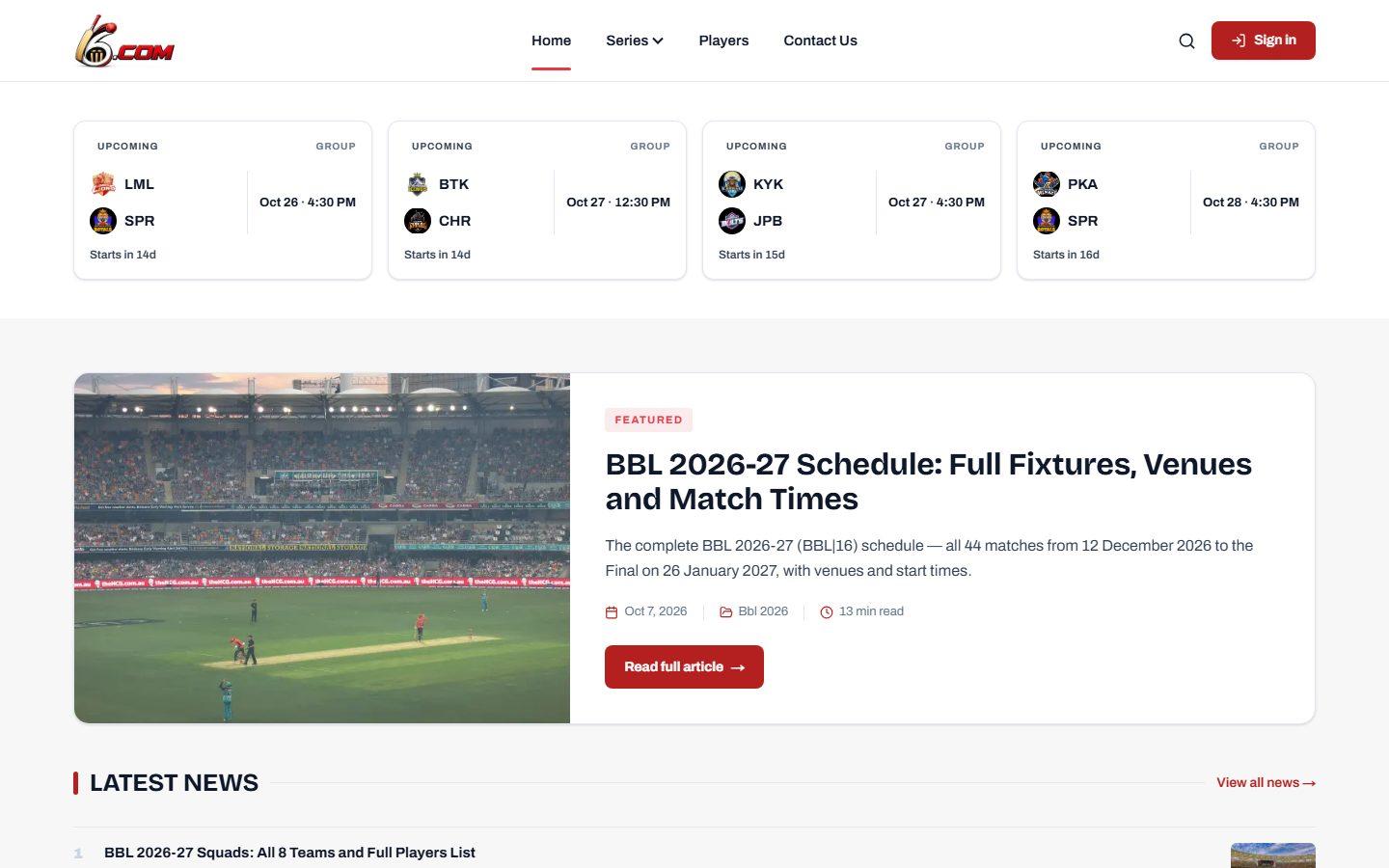
Blocks matter for two reasons. First, your team can make a new page — a Tihar sale, a new collection, a spring trekking special — without a developer. Second, each block is designed once and tested on phones, so you cannot accidentally make a page ugly or slow. On Chhaka.com, editors place cricket blocks — fixtures, points tables, leaderboards — on any page the same way.
Your own content types
A plain CMS knows "pages" and "posts". A real business has more than that. A Pokhara trekking agency has trips, each with days, difficulty and group size. A college has courses and batches. A wedding planner has packages with inclusions and add-ons.
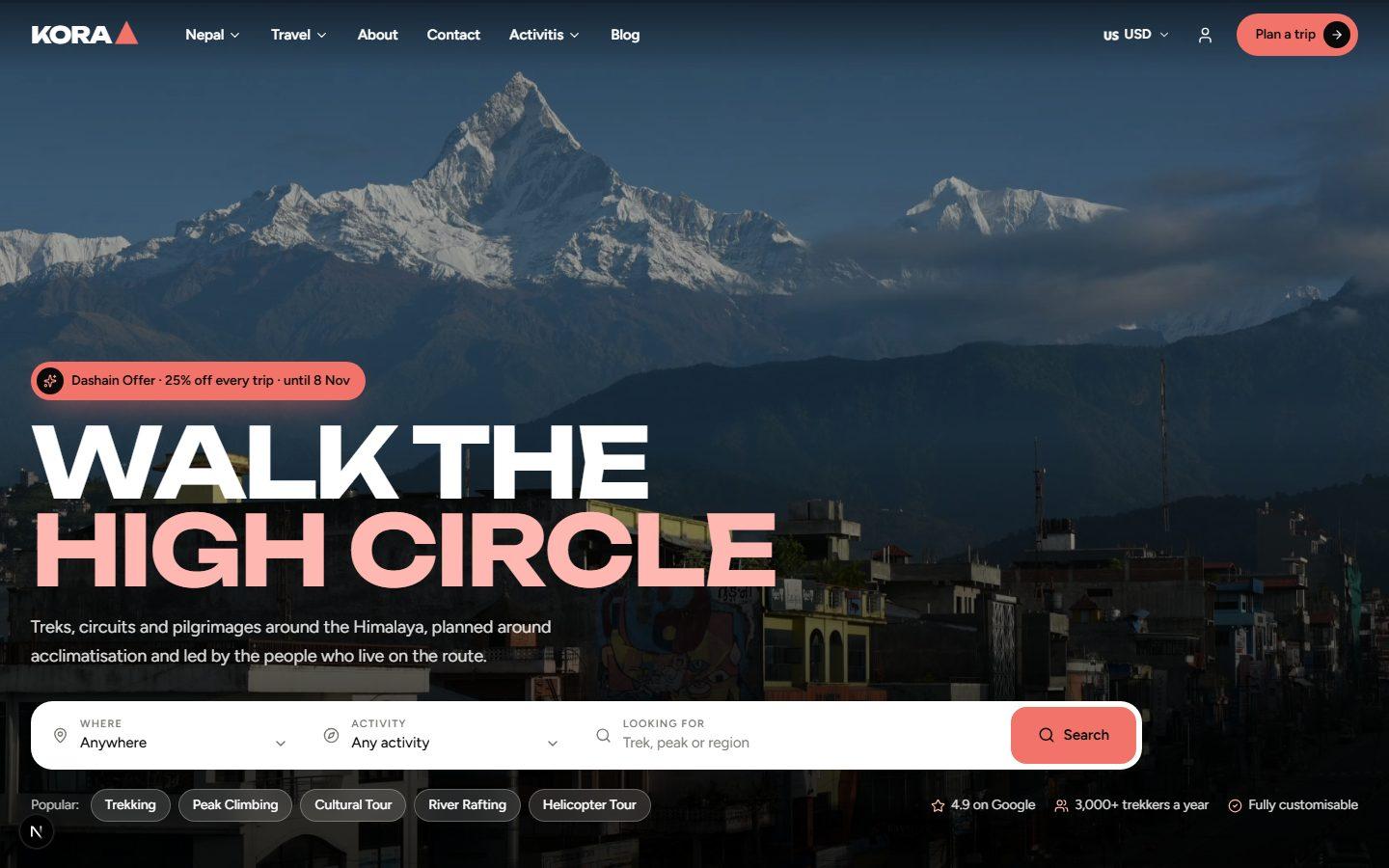
A good CMS lets you define those types with their own fields — including repeating ones, like each day of an itinerary — and they appear in the dashboard as forms your staff fill in. That is how Kora Travel keeps a day-by-day itinerary for every trip, and how Utsav Events keeps its packages.
For a shop, the same idea shows up as products with options. A clothing store needs each colour and size tracked separately, and a beauty store needs shades and skin types. Those are variants and filters, and they are content too — your staff manage them in the same dashboard as the homepage.
Before choosing any CMS, write down the five things your business adds or changes most often — products, trips, prices, offers, staff. Then ask to see exactly how each one is edited. A five-minute demo tells you more than any feature list.
WordPress or a custom CMS?
WordPress is the most popular CMS in the world, and it is excellent for blogs, news portals and company sites on a modest budget. I build WordPress sites too, including tools that publish news feeds to WordPress on a schedule. If your site is mostly articles and pages, WordPress is often the right answer.
It struggles when you add many plugins — add-ons from different makers — for a store, bookings, memberships and two languages. Each plugin works alone, but together they slow the site down, and one update can break another. You end up paying a developer to keep fifteen plugins friendly with each other.
A purpose-built CMS like Next CMS is designed for those jobs from the start. It already runs a cricket news site, online stores, travel and event sites, and a marketplace. You get a custom front end in your brand without starting from zero.
What is a headless CMS?
You may hear the word headless. It means the CMS (the kitchen) is separate from the website (the dining room). The CMS only stores and serves content; a separate front end shows it to visitors.
Why bother? Because the front end can then be built for speed — pages pre-built with Next.js so they load fast on a phone — and the same content can feed a website, a mobile app or even a live stream overlay. Next CMS works this way: its back end runs on Fastify and Node.js, and each site has its own front end.
A mini case story: Chhaka.com
Chhaka.com is a live cricket site I built and run. Writers publish articles in the CMS. Match data flows in from a scoring backend, and season, club and player pages are made from it automatically. Editors place blocks — fixtures, tables, leaderboards — on pages without asking a developer. The site covers the Nepal Premier League, the IPL, the PSL and the Big Bash, with thousands of pages that Google has to find.
That is a job WordPress with plugins would find very hard. It is also proof that the same CMS behind a small store can carry a busy site.
The everyday features matter just as much as the big ones. When an order comes in on one of the stores, the owner gets a WhatsApp alert. When a page is edited, the activity log records who changed which field, with the before and after. When a new article is published, search engines are told about it straight away. None of this is visible to readers, but it is what makes a CMS feel trustworthy to the people who use it all day.
Many sites, one system — and moving later
Next CMS can run many businesses at once, each in its own separate space with its own content, users and settings. That matters for groups — a company with two brands, or an institute with several campuses. The Institute LMS uses the same idea, so each institute only sees its own students.
What if you already have a WordPress site? Moving is normal. Posts, pages and images can be carried across, and every old web address can be redirected — pointed automatically to its new home — so visitors and Google never land on a broken page. Done carefully, you keep the rankings you have earned. Done carelessly, a move can wipe out years of search traffic overnight, so ask how redirects will be handled before anything moves.
The reverse matters too. Your content should never be trapped. Next CMS keeps everything in a standard PostgreSQL database that can be exported at any time, takes weekly automatic backups, and lets you take a manual one with a click before a big change.
A simple way to choose
- Mostly articles and pages? WordPress is fine.
- Selling, booking, or many users with different roles? Use a purpose-built CMS.
- Need staff to work in Nepali? Look for Nepali and English screens.
- Not sure? Ask me — I'll tell you honestly, even if the answer is the cheaper one.
Common mistakes when picking a CMS
- Choosing by the theme's demo photos. The look can change; the back office is what you live with.
- Never trying the editor. Ask to edit a real page yourself before you decide.
- Ignoring who owns the data. Your content should be in a standard database you can export. Next CMS uses PostgreSQL.
- No backups. Ask how often the database is backed up, and how you restore it.
- Giving everyone full access. Use roles, so a sales assistant cannot change prices by mistake.
Questions to ask a developer
- Can I build a new page myself, today, without you?
- Can you add a content type for my business — trips, courses, packages?
- Who can edit what, and can I see who changed a price?
- Is SEO built in — titles, descriptions, sitemap?
- Can I export everything if I leave?
- What does it cost to run each year? (See what drives website cost.)