Guide · 7 min read · · by Arjun Jhukal
Event management website template or a ready-built event site? A guide for planners
An event website does not sell a product. It sells a date. Here is when a template is enough, and when it quietly loses bookings.
Wedding and event planners in Kathmandu live on Instagram. The photos are gorgeous — a mandap in marigolds, a mehendi night in fairy lights. But the messages that follow are always the same: "How much?", "Is Mangsir free?", "What is included?" Answering them one by one eats the day.
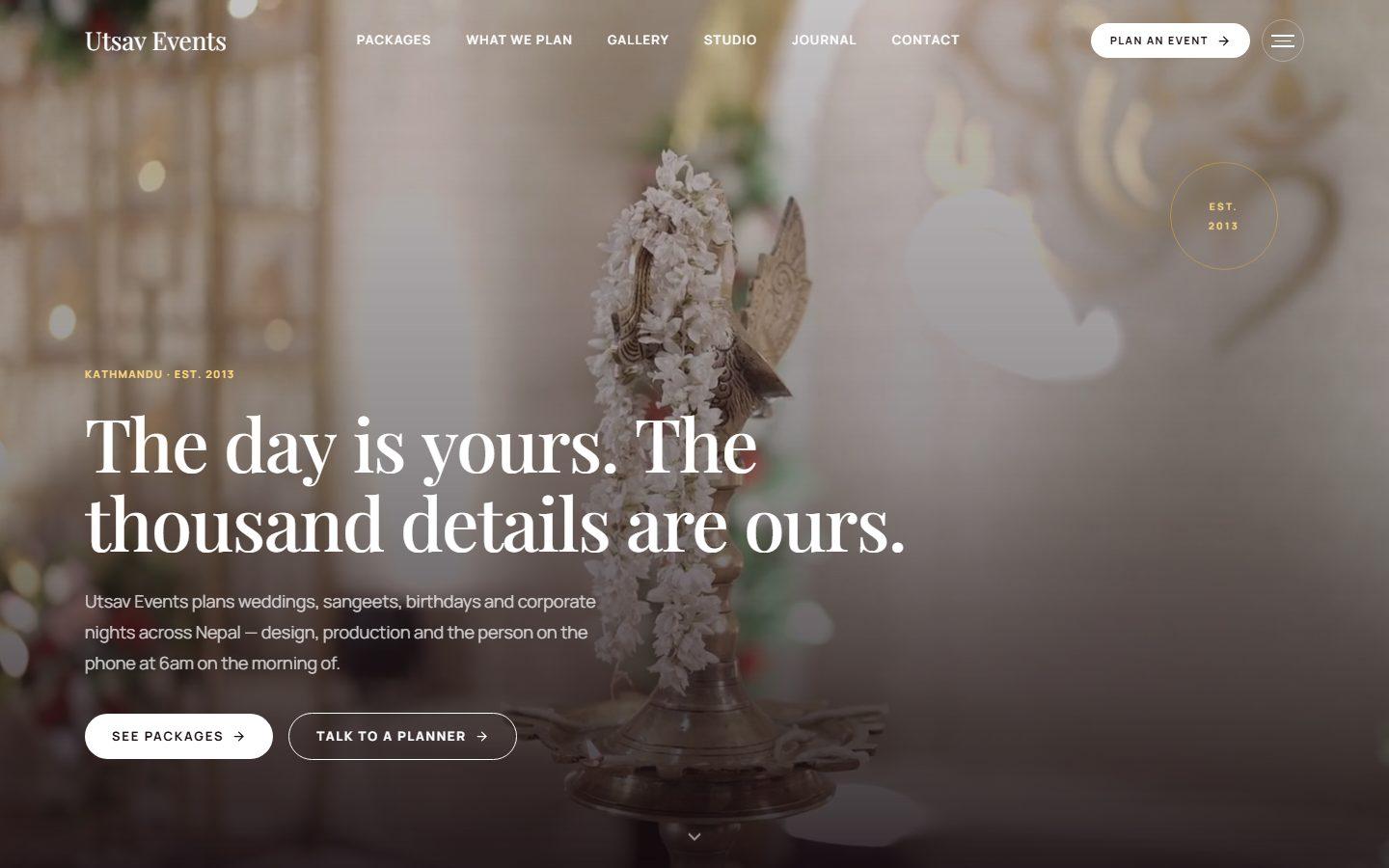
So the search begins: "event management website template" or "wedding planner website template". This guide is fair to templates. It explains when a cheap theme is all you need, where it starts losing you bookings, and what a ready-built event site like Utsav Events does instead. There is a checklist and a list of questions at the end.
An event website sells a date, not a product
A shop sells something you can put in a cart. A planner sells a date, a guest count and a list of services. That changes what the website must do. It has to show what each package includes, collect the date and guest count, and hand you a complete lead you can quote on.
Most event templates are built to look beautiful. Fewer are built to collect that lead well. Keep that difference in mind as you compare options.
When a template is the right choice
- You are a solo decorator or a new planner who does a few events a month, mostly through word of mouth.
- You need a nice page with your best photos, your number and your Instagram, and little else.
- You will quote every client personally over the phone anyway.
- You want something live before wedding season and can rebuild later.
In those cases, a clean theme is a perfectly good start. I build WordPress sites for exactly this kind of job, and I will tell you if that is all your business needs right now.
Where event templates fall short
- A contact form instead of a booking request. You get a name and "interested", with no date, no guest count and no event type.
- Price tables you do not want. Many templates show prices in big boxes. Many planners prefer to quote personally.
- Heavy galleries. Dozens of full-size wedding photos make the page crawl on a phone, which is where couples browse.
- Packages as one long page. Mehendi, reception and corporate nights all crammed together, so none of them can be found on Google on its own.
- No alert on your phone. A request sent at 10 pm sits in an inbox until someone checks it.
Couples often message three or four planners on the same evening. The one who replies first with a clear answer usually gets the call. Whatever you choose, make sure new requests reach your phone, not just an inbox.
Packages as pages: how Utsav Events works
In Utsav Events, every event type is its own page: a full wedding, a mehendi, a corporate night. Each page has its own gallery, what is included, how many guests it suits and how many days it runs. A couple reading the three-day wedding package sees exactly what they get before they ever message you.
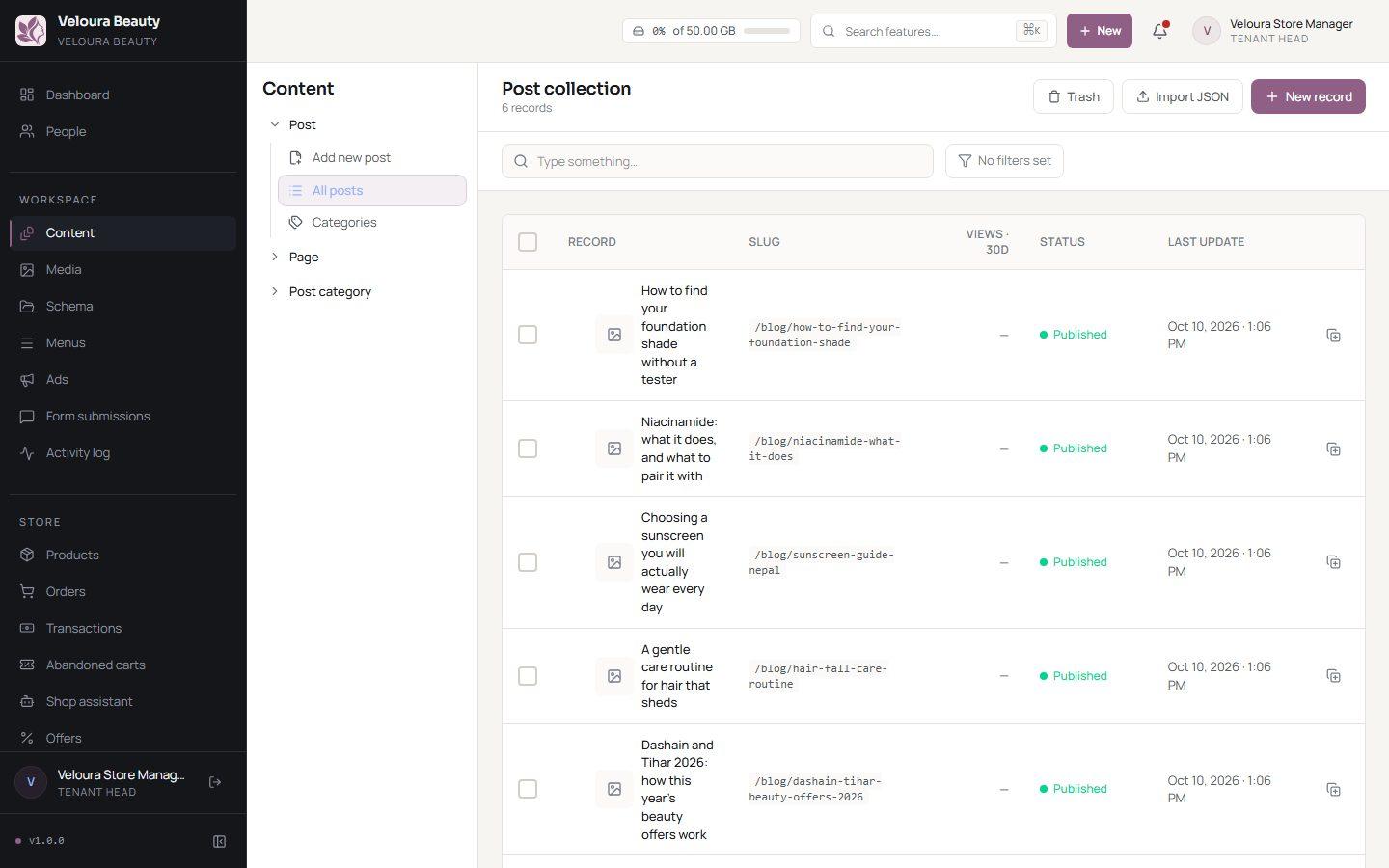
Your team adds a new package from the dashboard — title, photos, inclusions, done — and builds seasonal offer pages from blocks. Galleries are big photo strips that drift as you scroll, with a full-screen viewer, and images are resized for each screen so they stay quick on a phone.
Why does this matter more than a pretty homepage? Because couples do their research late at night, on a phone, often with a parent or a cousin looking over their shoulder. They want to know three things fast: what is included, whether it fits their guest list, and how to ask. A package page that answers all three, in your own photos, does the first conversation for you.
Booking requests with date, guests and add-ons
Instead of a checkout, visitors send a booking request: the date, the guest count and any add-ons they want. You confirm and agree the price personally. Every request arrives complete, and a WhatsApp alert reaches your phone the second it is sent.
What about advances? The booking engine supports deposits, but Utsav is set up as enquiry-first. When a couple pays an advance in cash or by bank transfer, your staff record it against the booking in the orders and ledger system, so nothing is forgotten when the big day comes. If you later want advances paid online, read how eSewa and Khalti payments work first.
Who sees all of this? Give each person their own login. With roles and an activity log, a sales assistant can answer requests without changing package details, and you can see exactly who edited what, and when.
Prices: show them, or say "On request"
Some planners publish prices. Many never do, because every wedding is different and a number on a page starts the wrong conversation. A template often forces the choice on you with its price boxes.
In Utsav, prices are optional. Leave a price empty and the site simply shows "On request". You can show prices for some packages — say, a fixed birthday setup — and hide them for full weddings. Either way, the visitor still sends a complete request, and you quote personally.
Template vs ready-built product vs fully custom
- A cheap template — quick and low-cost, with a lovely look. Good for a small planner. Risk: a weak enquiry form, forced price tables, slow galleries and plugins for every extra.
- A ready-built product like Utsav — packages, booking requests, optional prices, galleries, WhatsApp alerts and offline payment records already work. The work is your packages, your photos and your brand.
- Fully custom, from zero — right for a venue group with its own halls, calendars and catering rules. Risk: the longest build, and every basic part is rebuilt before the special part begins.
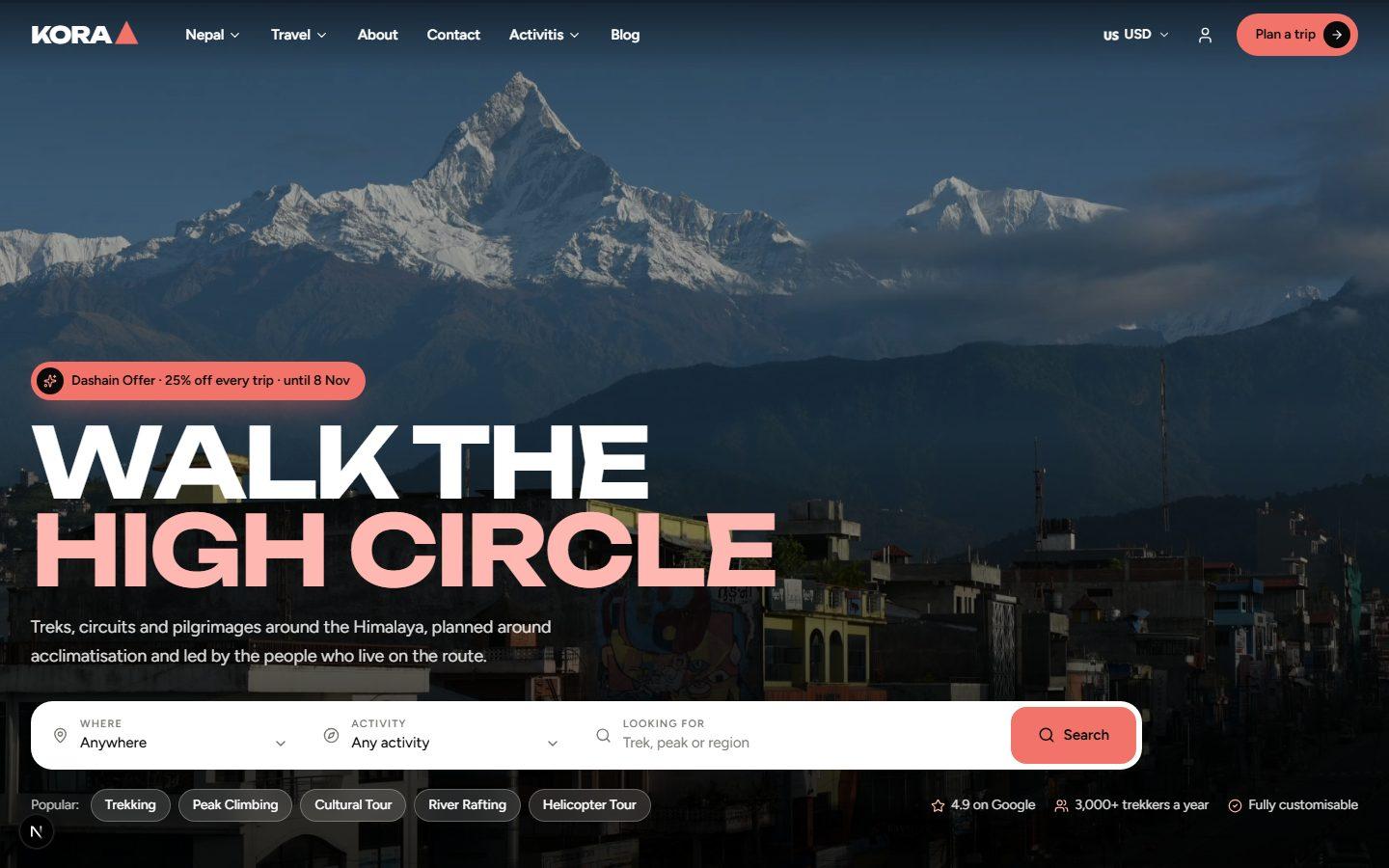
Utsav runs on Next CMS, the same system behind Kora Travel, which also sells dates rather than products. If the word "CMS" is new to you, read what a CMS is, or the more technical headless CMS explained.
Checklist: what a good event website template must have
- A separate page for each event type, with its own gallery and inclusions.
- A booking request that asks for date, guest count and add-ons.
- Prices you can show or hide per package.
- Galleries that stay fast on a phone.
- An instant alert to your phone for every request.
- A place to record advances paid in cash or by bank.
- Pages your staff can edit for seasonal offers.
- A title and description for every package, so each can be found on Google through the SEO toolkit.
Getting found for "wedding planner in Kathmandu"
Couples search on Google before they search on Instagram. They type "wedding planner in Kathmandu", "mehendi decoration" or "corporate event management Nepal". A template with every package on one page gives Google one page to show. A site where each package is its own page, with its own title and description, gives Google many chances to show you.
Utsav is built to be indexed for exactly those searches. Pages are pre-built with Next.js so they load fast, and every package sits in the sitemap. If you are weighing this against a WordPress theme, the longer comparison is in Next.js vs WordPress.
A mini case story: a Kathmandu wedding planner in Mangsir
Picture a planner in Baneshwor heading into wedding season. Their Instagram is full, their phone never stops, and every enquiry starts from zero: which date, how many guests, what is included. Some requests are lost in DMs.
On Utsav, each package — Royal Mandap, a three-day wedding; a mehendi night; a reception — is its own page with photos and inclusions. Prices read "On request". A couple picks a package, enters the date, 400 guests and the add-ons they want, and sends it. The planner's phone buzzes with the full request. When the advance comes by bank transfer, the office records it on the booking. In the busiest month of the year, nothing slips.
Common mistakes when choosing an event website
- Choosing by the demo photos. Your photos, at real size, decide how fast and how good the site is.
- Asking for too little. "Name and message" makes every lead a long chat.
- Asking for too much. A twenty-field form scares couples away. Date, guests, event type and add-ons are enough.
- One page for everything. Each event type should be its own page.
- No plan for advances. Decide how you record them before the season starts.
Questions to ask before you buy a template or hire a developer
- Does every package get its own page, gallery and inclusions?
- What does the booking request collect, and where does it go?
- Can I hide prices and show "On request" instead?
- Will I get a WhatsApp alert for each request?
- Can my staff record an advance paid offline?
- Can I add a new package myself?
- What will it cost to run each year? (See what a website costs in Nepal.)
Send me your packages and how enquiries reach you today. If a simple theme suits your business for now, I will tell you — and what to check before you buy it.