Guide · 7 min read · · by Arjun Jhukal
Next.js vs WordPress: which is right for your business website?
I build both, so this is not a sales pitch for one. Here is when WordPress is the smart choice, when Next.js is, and how to tell.
"Should my website be WordPress or custom?" is one of the first questions business owners in Kathmandu ask me. People expect a developer to push whatever he likes building. I build both, WordPress and Next.js, so I can give you the honest answer: it depends on what your website has to do.
This guide compares the two in plain words, shows where each one wins, and ends with a checklist you can use in five minutes. No technical background needed.
The short answer
If your site is mostly pages and articles, and you want something proven at a modest budget, WordPress is often the right choice. If your site sells, takes bookings, has many pages that must be found on Google, or needs features of its own, Next.js on a purpose-built CMS is usually the better long-term home.
The rest of this guide explains why, so you can check that answer against your own business.
What WordPress is
WordPress is the most popular way to build websites in the world. It is a CMS, a back office where you edit your pages, together with the website itself. You pick a theme for the look and add plugins for extra features: a contact form, a shop, a booking calendar, a language switcher.
Its strength is that almost everything already exists. There are themes for every kind of business and plugins for nearly any feature. Many people in Nepal already know how to use its editor.
What Next.js is
Next.js is a tool for building the part of a website visitors see. It is based on React. On its own it has no back office, so it is paired with a CMS. That separated setup is called headless: the back office and the front are two parts that talk to each other. More in headless CMS explained.
Its strength is that pages are pre-built, prepared in advance, so they load very fast and arrive complete for Google. And because the front is built for your business, features fit exactly instead of being pieced together from plugins. Every Next.js site I build sits on Next CMS, so your team still gets a dashboard to edit everything.
Side by side
- Getting started: WordPress is quicker for a simple site. Next.js is quicker when you start from a ready product like Kora Travel or Kapda Studio.
- Speed: WordPress can be fast with care, but slows as plugins pile up. Next.js pages are pre-built, so speed is the default.
- Editing: Both give your team a dashboard. WordPress uses its editor; Next CMS uses a block page builder with blocks designed for your site.
- Features: WordPress adds features with plugins from different makers. Next.js builds them into the site, so they work together.
- SEO: WordPress needs SEO plugins set up well. On my Next.js sites, the SEO toolkit is part of the build.
- Security and updates: WordPress needs regular updates of core, theme and every plugin. A Next.js front has far fewer moving parts to patch.
- Finding help: Many developers in Nepal know WordPress. Fewer build with Next.js, so pick one who documents the work.
Where WordPress wins
WordPress is not old or bad. It is excellent for many jobs, and I recommend it often:
- A company site with ten pages, a blog and a contact form.
- A news portal or blog that is mostly articles. I build WordPress news sites, and even tools that pull news feeds and publish them to WordPress on a schedule.
- A tight budget where a good theme, set up properly, does the job.
- A team that already knows WordPress and does not want to learn anything new.
If that describes you, choose WordPress, and choose a developer who keeps the plugin list short.
A good WordPress site also needs less of you than people fear. Pick a well-made theme, keep plugins to the few you really use, set up automatic backups, and agree who installs updates each month. Done that way, a WordPress company site can run quietly for years. Most of the slow, hacked WordPress sites I am asked to fix were not let down by WordPress itself. They were let down by too many plugins and nobody looking after them.
Where Next.js wins
- Online stores with sizes, colours, stock, eSewa, Khalti and cash on delivery. See the Next.js ecommerce website guide.
- Booking businesses such as travel agencies and event planners, where leads must arrive with dates and group size through booking enquiries.
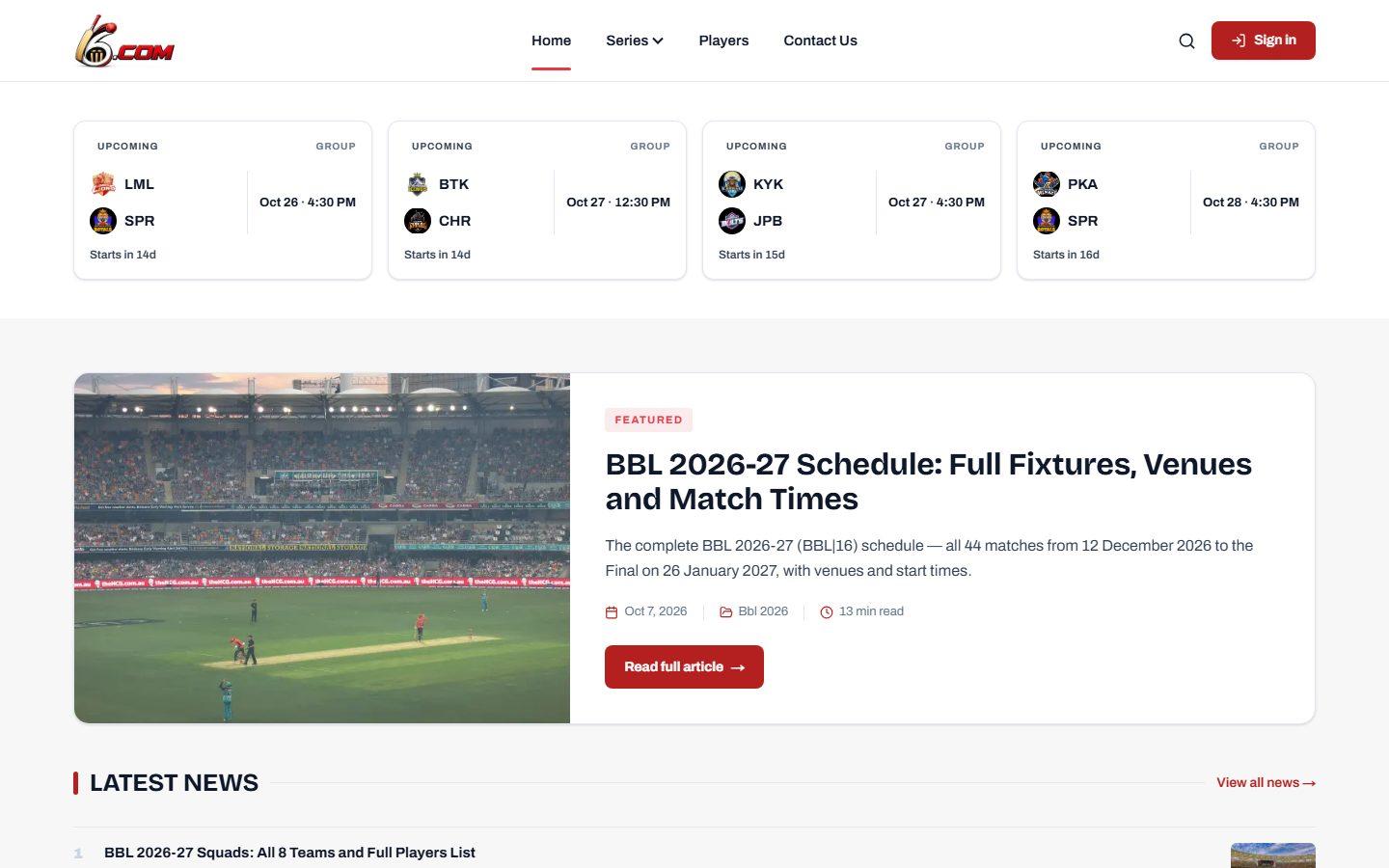
- Sites with thousands of pages, like Chhaka.com, a live cricket site with season, club and player pages that Google has to find.
- Platforms with many users and rules, like a marketplace or an LMS for schools.
- Brands that compete on experience, where speed on a phone is part of what makes a customer trust you.
Speed and Core Web Vitals
Google uses checks called Core Web Vitals to judge how a page feels: does the main content appear quickly, does the page react when tapped, and does it stay still while loading instead of jumping about.
A light WordPress site with a good theme and few plugins can pass these. The trouble starts when sliders, page builders, chat widgets and tracking scripts are added one by one. Each plugin brings its own code to every page. A Next.js site starts pre-built and sends only what each page needs, and on Next CMS every image is resized for each screen. Speed is still something a developer must protect, but it is far easier to keep.
Do not judge either platform by its demo. Demos are fast because they are empty. Ask to see a live site the developer built, with real content, and open it on your phone using mobile data.
Editing: who changes the website?
This matters more than the technology. Whoever updates your site every week should try the editor before you decide.
WordPress gives a familiar editor. With a heavy page builder plugin, it can also make it easy to break a layout by accident. Next CMS builds pages from blocks that are designed once and tested on phones, so staff can add a Dashain offer page without making it ugly. Roles and an activity log show who changed what. The plain-words background is in what a CMS is.
Security, upkeep and cost over time
Because WordPress is so popular, it is a common target for hackers. Most break-ins come through an old plugin that was never updated. A well-kept WordPress site is safe, but it needs someone to keep it updated.
A Next.js front has much less to attack, because most pages are finished files. The CMS behind it still needs care. Next CMS takes weekly automatic database backups and lets you take a manual one with a click. Whichever you choose, ask who does the updates and backups after launch.
WordPress is often cheaper to start. Over a few years, a site with many plugins can cost more than expected: paid plugin licences, fixes when an update breaks something, speed clean-ups. A Next.js site that starts from working software may cost more at the start and less to keep healthy. The honest answer depends on your site. Read what a website costs in Nepal for what moves the price.
A mini case story: two businesses, two answers
Picture two clients in the same week. The first runs a small accounting firm in Baneshwor. She wants six pages, a few articles on tax deadlines, and a contact form. Her office assistant already knows the WordPress editor. WordPress, set up carefully, is the right answer, and anything more would be money spent on features she will never use.
The second sells streetwear in Durbarmarg and on Instagram. Every hoodie comes in colours and sizes, customers pay with eSewa, Khalti or cash on delivery, and a Tihar sale brings a rush of shoppers on phones. He needs stock for every size, payments checked properly and pages that stay fast under load. That is the job Kapda Studio was built for, on a Next.js front. Same week, same developer, two different platforms. That is how it should be.
Decision checklist
- Is the site mostly pages and articles? Lean WordPress.
- Will it sell products with sizes, colours or stock? Lean Next.js. Read how to start an online store in Nepal.
- Does it take bookings with dates and group size? Lean Next.js.
- Will it have hundreds or thousands of pages to rank on Google? Lean Next.js.
- Is the budget tight and the site simple? Lean WordPress.
- Does your team already know WordPress well? Lean WordPress.
- Do you need payments with eSewa and Khalti checked properly? Both can, but lean Next.js for a serious store.
- Not sure? Ask me. If WordPress fits better, I will say so.
Questions to ask a developer
- Why are you recommending this platform for my business, not another?
- How many plugins will the site use, and who updates them?
- Can I see a live site you built on this platform, with real content?
- Can my staff edit pages themselves, and can I try the editor first?
- Who handles backups and security after launch?
- Can I export my content if I move later?