Guide · 7 min read · · by Arjun Jhukal
A trekking company website in Nepal: what it needs to win bookings
A trekker in Berlin compares five agencies before writing to one. Here is what your website needs so that yours is the email they send.
A trekker in Berlin has decided on Nepal. She has not decided on you. She searches "Everest base camp trek", opens five agency websites, and compares them over a week of evenings. She checks the itinerary, the photos, the group size, whether the guide speaks English, and how easy it is to ask a question. Then she writes to one agency.
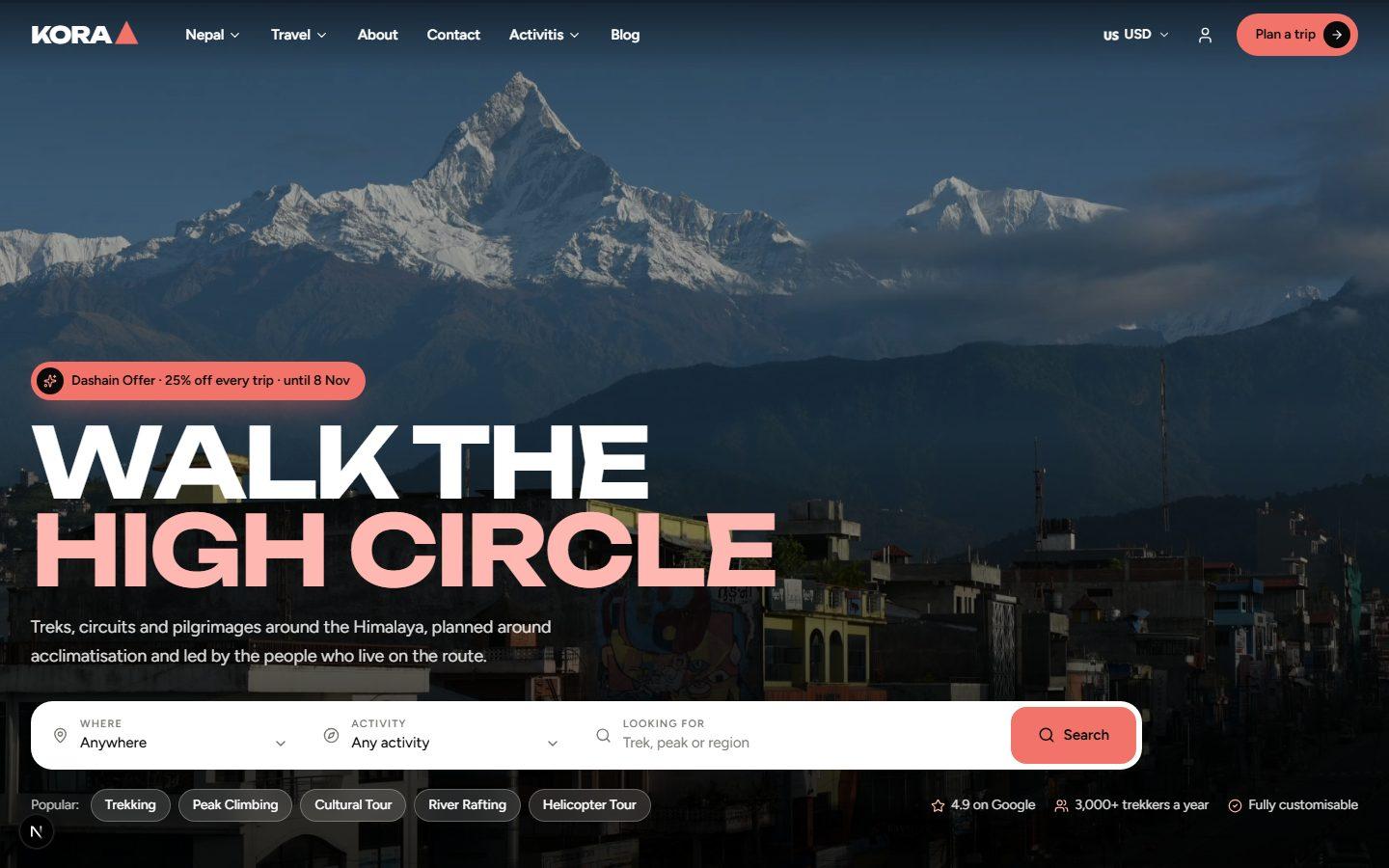
Your website's job is to be that one. This guide covers what a trekking company website in Nepal needs, in plain words: trip pages, itineraries, photos, speed for visitors abroad, enquiries and being found for trek names. It uses Kora Travel, a ready trekking and tour website I built, as the example.
What a foreign trekker does before writing to you
- Searches for the trek, not for your agency: "Annapurna base camp trek", "Upper Mustang trek itinerary".
- Reads the itinerary day by day, to see where she sleeps and how hard each day is.
- Looks hard at the photos, to judge whether they are real and recent.
- Checks the basics: duration, difficulty, group size, best season, what is included.
- Looks for trust: reviews, licences, a real address in Kathmandu or Pokhara, real people.
- Asks a question, if asking is easy. If it is not, she moves to the next agency.
Every section below answers one of those steps.
Notice what is not on the list: a flashy intro animation, a slider of ten stock photos, a pop-up asking for her email before she has read anything. Those things make a site slower and harder to use, and a careful traveller reads them as noise. The agencies that win enquiries usually have simpler sites, with more real information.
The pages every trekking website needs
- A homepage with a strong photo, your best treks and a trip search.
- A page for every trek, with its own itinerary and enquiry form. This is the heart of the site.
- A list of all trips, filterable by region, length or difficulty.
- An about page with your team, your guides, your licence and your office.
- Practical pages: permits, best seasons, what to pack, how to reach Lukla or Pokhara.
- A blog for trek stories and news, which helps Google find you for more searches.
- A contact page with WhatsApp, email and a map.
A trip page for every trek
Many agency sites list ten treks on one long page, or hide the details in a PDF. That makes it hard for travellers and nearly impossible for Google.
Each trek needs its own page with its own web address. The Everest Base Camp trek, the Annapurna Circuit, Annapurna Base Camp, Upper Mustang, Langtang, Manaslu: each one is a different search and a different traveller. Upper Mustang, for example, needs a special restricted-area permit, and that belongs on the Mustang page, not buried in a general FAQ.
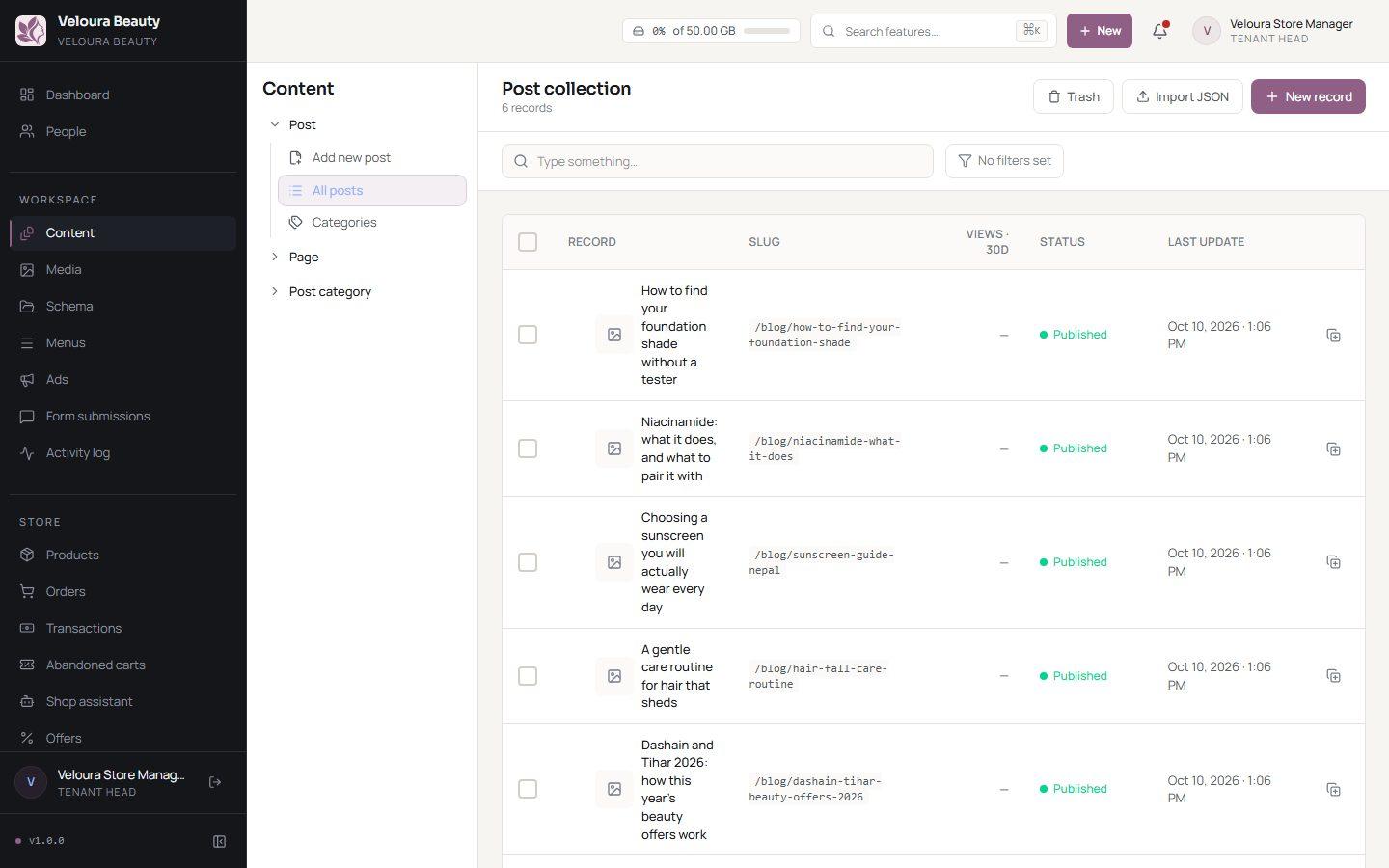
On Kora, each trip is a package page with duration, difficulty, group size, best season and price, a day-by-day itinerary, a photo gallery, and a booking request at the end. Your team adds new trips from the dashboard. For the speed and technology behind these pages, read why a Next.js travel website wins more enquiries.
Day-by-day itineraries that read on a phone
The itinerary is the most-read part of a trekking site. A good one shows, for each day:
- Where you start and where you finish.
- Where you sleep: tea house, lodge or camp.
- The highlights of the day, and any acclimatisation stop.
- What makes the day hard or easy, in honest words.
On Kora, each day is a separate entry your staff fill in, so the itinerary is laid out cleanly and readable on a phone on the trail. Change a tea house or add a rest day and only that day changes. This is possible because Next CMS lets each business define its own content types, with repeating fields like the days of a trip. For the plain-words background, see what a CMS is.
Never put an itinerary only in a PDF. Google reads PDFs poorly, phones show them badly, and you cannot link to day 6. Put it on the page, and offer a PDF as an extra if you like.
Photos: honest, big and fast
Trekkers have seen thousands of stock photos of Ama Dablam. What builds trust is your own: your guides, your groups, the tea house where your clients actually stay. Use them generously, and caption them with the place.
Big photos must not make the site slow. On sites built with Next CMS, every image is resized on the fly for each screen size, so a phone gets a phone-sized photo. Kora's galleries are full-width and zoom gently as you scroll, and they stay quick because of this.
Speed for visitors abroad
Your best customers are far away, often on phones, on hotel Wi-Fi or mobile data. A site that feels fine in your office in Thamel can be slow in Sydney.
Kora runs on Next.js, which pre-builds pages. The trip page is ready before the visitor arrives, instead of being assembled on each visit. Pre-built pages can be served from computers in many countries, so a visitor in Europe is not waiting for a server in Kathmandu. Google also measures how a page feels, through checks called Core Web Vitals: does the main content show quickly, does the page react when tapped, and does it stay still while loading. Pre-built pages and resized photos help with all three.
Enquiries that arrive complete
"How much?" with no dates and no group size costs you three emails and often the booking. Booking enquiries ask for the trek, the dates, the number of people and any question, so the lead arrives ready to quote.
- Instant alerts. Each request reaches your email and your phone as a WhatsApp alert, so a question sent at night in Europe does not sit unread.
- Prices your way. Show a price, or leave it empty and the page reads "On request" for custom expeditions.
- Deposits later. The engine supports quotes, deposits and add-ons. Most agencies start with enquiries and switch payments on later.
- Cards and wallets. Next CMS supports Stripe for buyers abroad, and eSewa and Khalti for Nepali customers. See how wallet payments work.
SEO for trek names
This is where trekking websites win or lose over time. Travellers search for trek names, and each trek is a competition between agencies. To compete, each trek page needs:
- Its own web address with the trek name, for example /trips/everest-base-camp-trek.
- A clear title and description, written for the person searching, short enough that Google shows them whole.
- Real content: the itinerary, the season, the permits, the difficulty, in your own words.
- A few honest FAQs, which can appear in search results through structured data.
- Links from related pages, such as a blog post on Everest permits linking to the EBC trek.
- A sitemap that tells Google the moment a new trek is added.
The SEO toolkit handles the technical part: titles, descriptions, sitemaps, structured data and pings to Bing for new pages. The writing is the part only you can do well, because you know the trail. Nobody honest can promise the top spot on Google; what a developer can promise is that nothing technical holds you back.
Keeping trips up to date every season
Trekking changes every year. New permit rules, new tea houses, a closed trail after the monsoon, a spring offer. A site that needs a developer for each change goes stale fast.
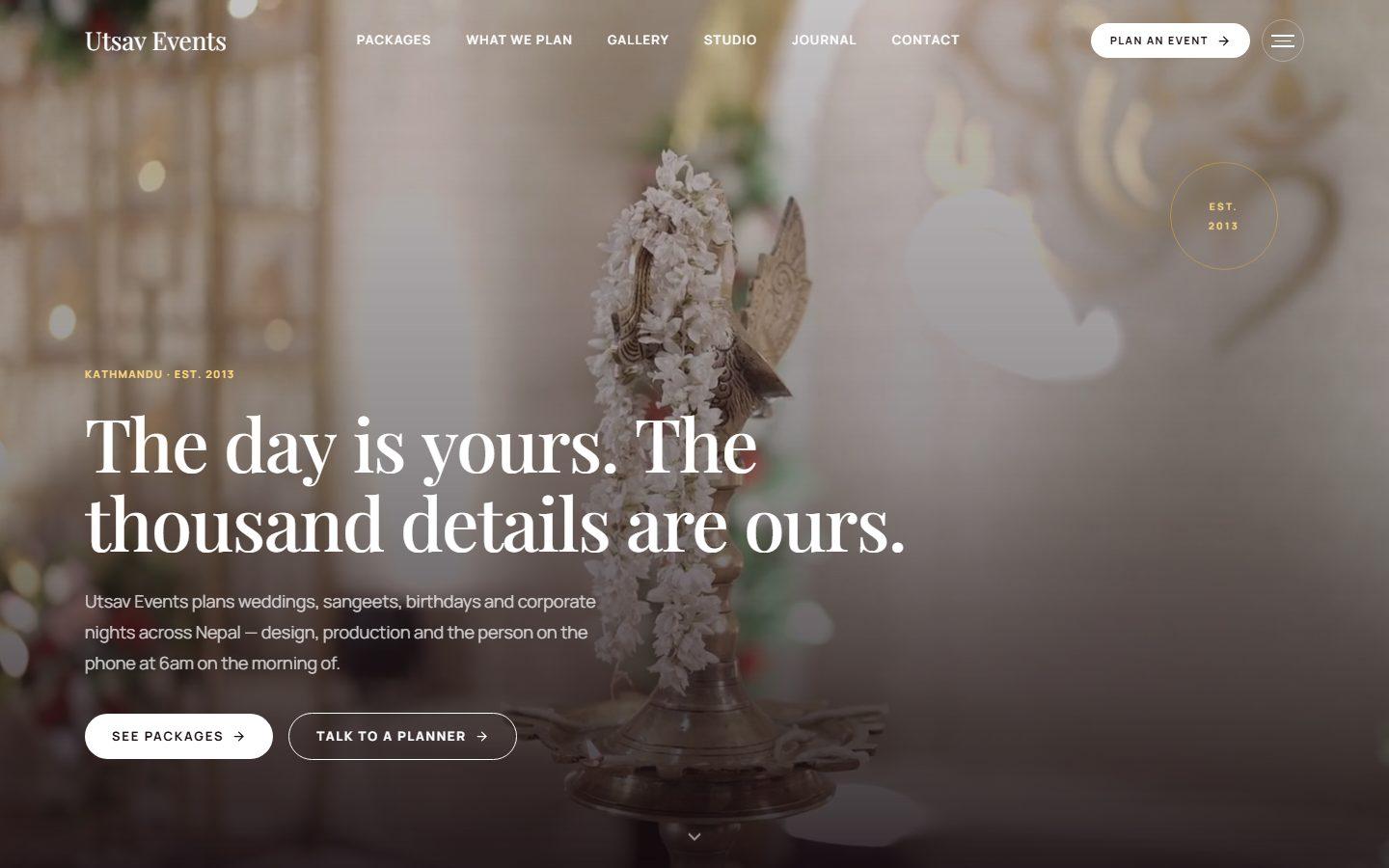
On Kora, new trips, photos and seasonal pages are built from blocks with the block page builder. Staff with the right access can update trips, and roles and an activity log show who changed which field. If you also run events, the same system powers Utsav Events.
A mini case story: Kora Travel
Kora Travel is built for trekking and tour operators. The homepage opens with a full-bleed photo and a trip search. There is a catalogue of all trips, and each trip page, such as a compact Everest Khumbu valley trek, carries the itinerary, gallery and booking request. It is edited from a dashboard and launched with the sitemap submitted to Google.
Because it starts from working software, an agency's project becomes loading trips, photos and brand, not building basics. For a closer look at a ready base, read the travel website template guide. For what changes the price, read what a website costs in Nepal. If you are weighing a simpler option, Next.js vs WordPress lays out both honestly.
Questions to ask a developer
- Will every trek have its own page, title, description and web address?
- Can my staff edit a single itinerary day without calling you?
- Are photos resized automatically, and how fast is the site for a visitor in Europe?
- Do enquiries arrive with dates and group size, and do they reach my WhatsApp?
- Can I hide prices on some trips and show them on others?
- Is there a sitemap, and is the site submitted to Google at launch?
- Can I take deposits or card payments later without rebuilding?